Helm 2.3: WWDC & Helm CLI
Helm is now available to coding agents through a brand new CLI that provides safe, structured access to App Store Connect workflows from your terminal.
It’s that time of year again! WWDC week is when our community comes alive, developers from all over the world gather in Cupertino and beyond to learn, share, and meet the people behind the apps they love. There’s no better moment to ship something new, and Helm 2.3 is our way of celebrating with you.
But before we dive into what we built, we have a challenge for you that puts one of our favorite features front and center: the Helm Passport.
The WWDC Passport Challenge
The Helm Passport is the easiest way to remember the developers you meet. Instead of adding beta testers anonymously through a TestFlight link, you create a passport and let the people you meet scan it, collecting a “stamp” for every connection you make, complete with their name, email, and the app they work on.
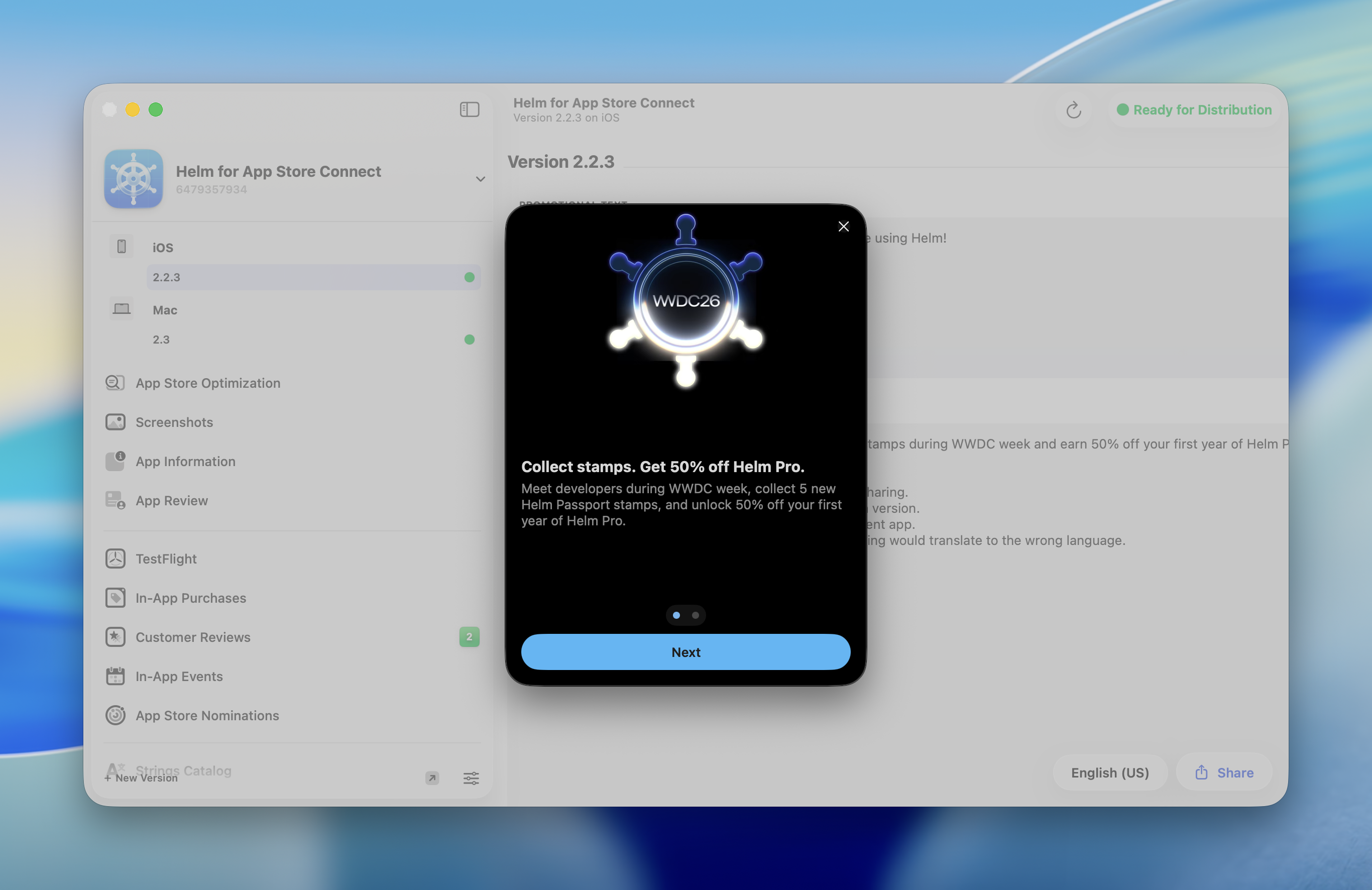
So here’s the deal: Meet developers during WWDC week, collect 5 new Helm Passport stamps, and unlock 50% off your first year of Helm Pro.
Get out there, say hello to that developer you have been following online, and turn those hallway conversations into stamps. Five new stamps is all it takes to start your year with Helm Pro at half the price.
Meet the Helm CLI
We built Helm to make shipping apps feel less like navigating a maze and more like a clear path to reaching users with confidence. With Helm 2.3, that path now extends beyond the app itself: Helm is accessible to coding agents through the brand new Helm CLI.
Developers are already using agents to write code, fix bugs, update metadata, prepare releases, and keep projects moving, but App Store Connect, and Helm, has mostly remained outside that workflow. It is true that we allowed you to export and import data in agent friendly formats, but we never gave a way to let agents interact with Helm directly.
Until now. The new helm-asc command line tool gives agents a safe, structured, and token efficient way to work with Helm, using the same account setup and product thinking you already know and love.
It’s important to note that while this makes Helm more discoverable and accessible to agents, this feature is not about replacing Helm’s UI. The macOS and iOS apps are still our main focus and they are still the best place to understand your release visually, review what is happening, and make high-confidence decisions.
The CLI gives the same workflows a programmable surface so they can become part of your Agentic development loop.
Install Once, Use Everywhere
Helm 2.3 adds a new Helm CLI section in Settings where you can install helm-asc into a directory on your PATH.
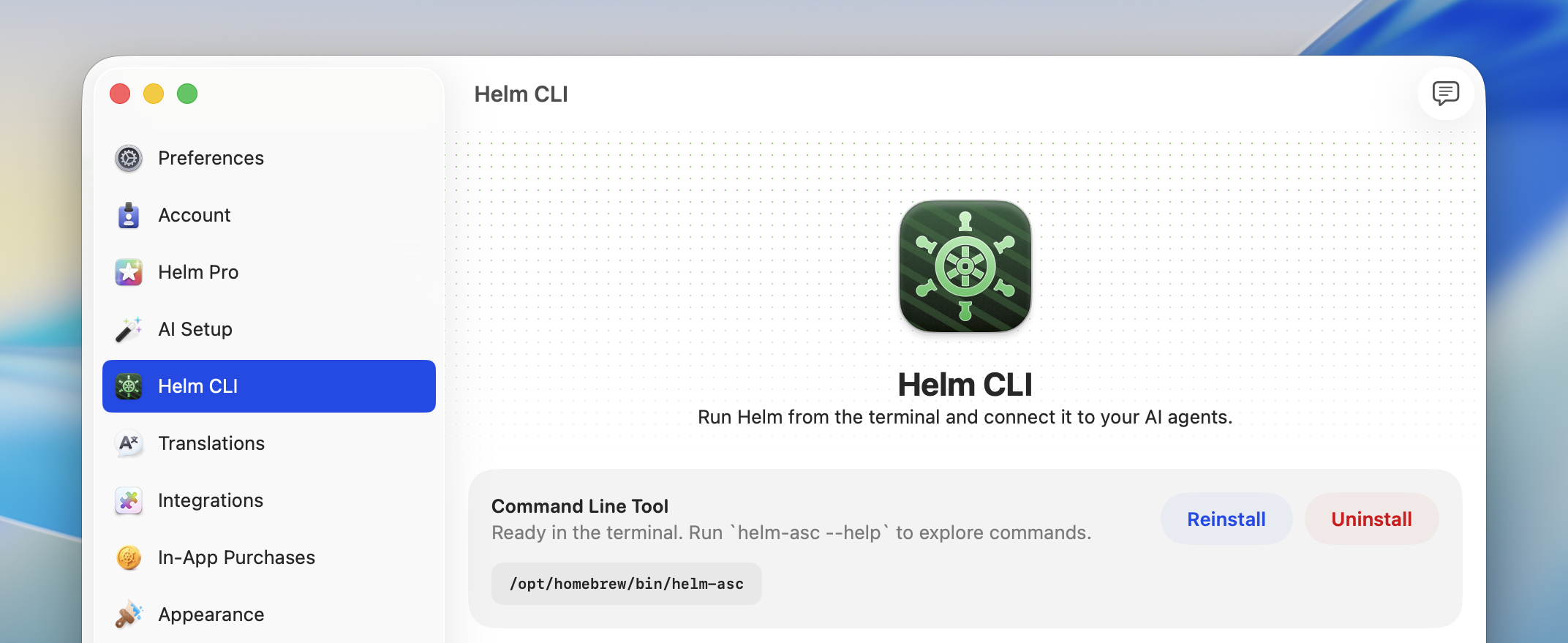
Once installed, you can check the help for the available commands by running:
helm-asc --helpThat’s it! You don’t need to keep up with releases or worry about updating the CLI or the agent. Whenever you update Helm, both helm-asc and the agent skill will automatically update too.
Built for Agents
We did not want to ship a command line tool that only prints nice terminal text and leaves agents guessing. Helm 2.3 includes an agent-friendly output mode designed specifically for automation.
When agents pass --agent, helm-asc returns structured JSON instead of human-readable prose. Successful commands return data that agents can parse predictably, and failures use stable error codes with clear messages and suggestions.
And we did not stop there, we want to give agents the best chance of success and to reduce the number of tokens used. For that reason, we also includes a bundled agent skill that teaches agents how to use helm-asc safely and efficiently and that you can install directly from the settings page:
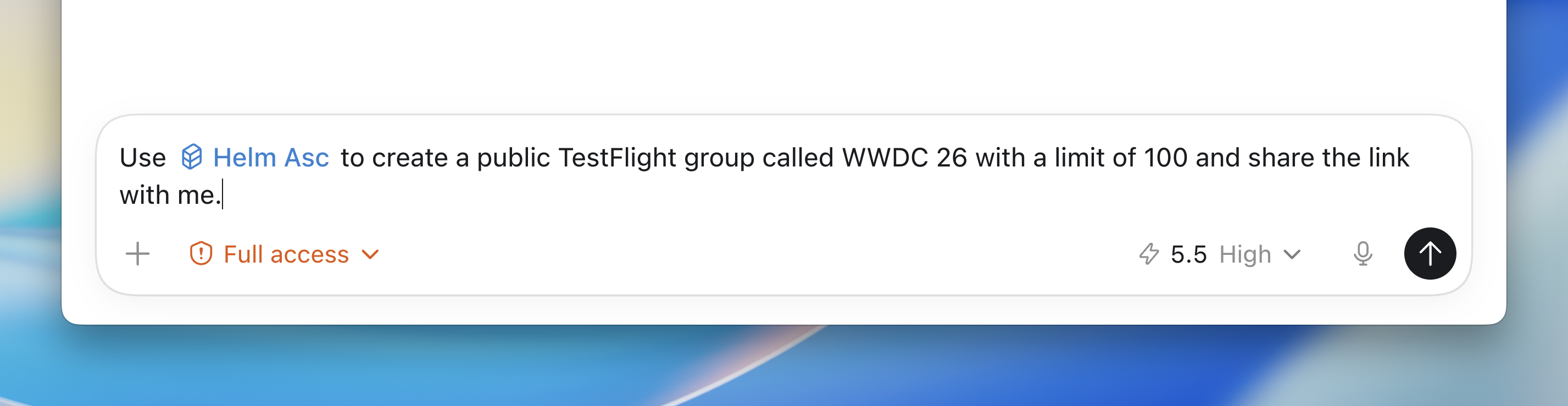
The skill gives agents the right defaults: use --agent, discover IDs before mutating anything, prefer dry runs for bulk operations, stage generated files in Helm-visible locations, and stop when an action needs a human decision.
That setup matters. App Store Connect is full of state, permissions, generated IDs, and review-sensitive actions. Agents need more than API access; they need guardrails and domain context. Helm now provides both.
You can install the skill from the settings page to:
- Codex
- Cursor
- Claude
- Xcode
- As a General Agent
- Any directory of your choice
What you can do today
The first release of helm-asc already covers a wide range of the workflows you reach for most often. From your terminal, you (and your agents) can:
- Discover apps and their data: list apps, drill into a single app, and pull its versions, builds, reviews, submissions, and TestFlight groups.
- Manage versions: create new versions, edit version details, set review information and attachments, and ship or reject a version.
- Handle localizations: create, download, update, and bulk upload localized metadata across every locale.
- Upload and organize media: download, upload, and delete screenshots and previews, and tweak preview frame times.
- TestFlight management: upload builds, manage groups and group aliases (like Favorites or QA), add testers, and submit builds for review.
- Reply to reviews and submit for review: respond to customer reviews, generate review signatures, and create, edit, and submit App Store submissions.
Here’s a small demo of the CLI in action:
Also in Helm 2.3
This release is focused on making Helm available to agents, but here are some of the other changes that we have also shipped:
- Support for uploading coverage files for routing apps.
- Fixed incorrect limits for fields in the app.
- Versions only show the right platform’s screenshots.
- GPT-Image 2 is now the default image generation model.
What’s Next?
Helm 2.3 is our first big step into agentic App Store Connect workflows.
We are starting with the workflows where agents can provide the most immediate value, but we will keep expanding the CLI alongside the app, improving the agent skill, and listening closely to how you use it in real projects.
We believe this is where developer tools are heading. Your coding agent should be able to understand the work needed to ship, not just the work needed to compile. Helm 2.3 makes App Store Connect part of that loop.
We cannot wait to see what you build, automate, and ship with it.