TestFlight Feedback on iOS
View and manage TestFlight feedback on the go with Helm for iOS!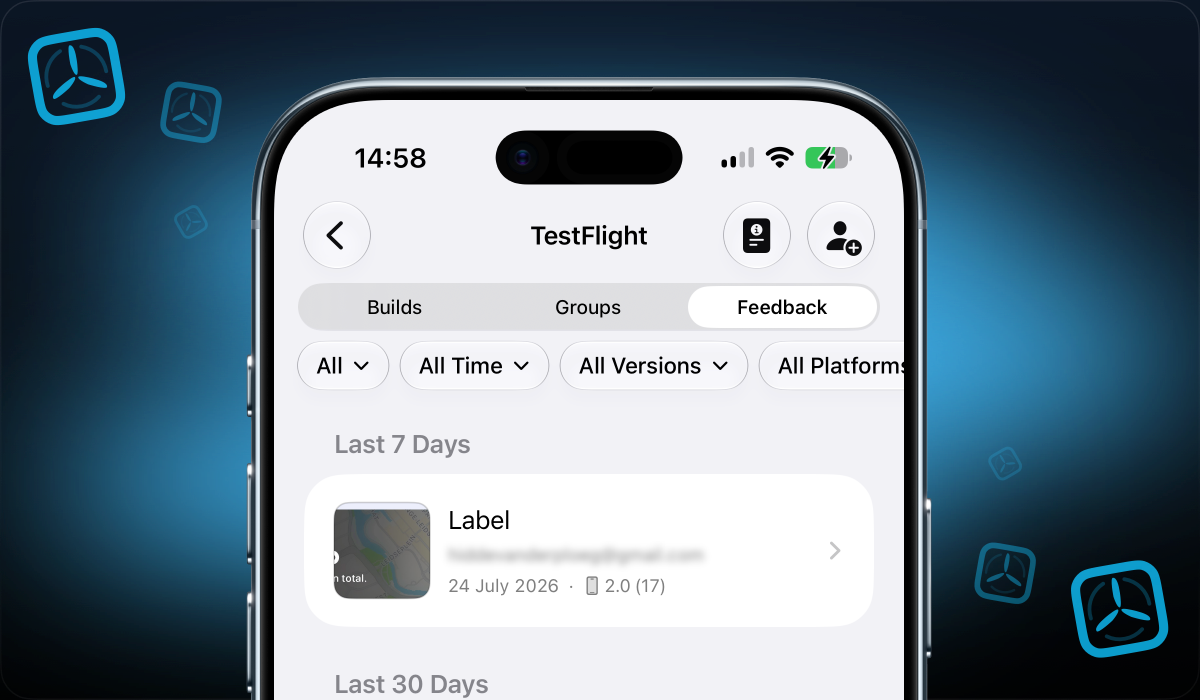
Last week, we shipped a new version of our iOS app (2.3.1) with support for a feature that has existed for a long time on the macOS app, but was missing on iOS: TestFlight Feedback.
As you will know, we recently shipped push notifications on iOS, including alerts for when users submit new TestFlight Feedback, both screenshots and crashes.
Being notified is only half the story. You also need to open that feedback, review screenshots and crashes, and act on it without waiting until you are back at your Mac.
That is exactly what Helm for iOS 2.3.1 unlocks.
TestFlight Feedback on the go
You can now browse and manage TestFlight feedback on the go. When a tester sends feedback, you can open it in Helm, see the context that comes with it, and even create an issue or task in your integration of choice, same way as you would on the macOS app!
That way you can stay on top of feedback and keep your beta moving while you are away from your desk.
This pairs perfectly with the notifications we shipped in 2.3. Get notified when new feedback comes in, open the app, and handle it on the spot.
What else is new on iOS?
Alongside feedback, this release also includes a handful of fixes and improvements:
- Landscape screenshots now display correctly.
- Subtitle is no longer required to submit for review.
- There is a button to dismiss the keyboard when working on sheets.
- Beta review information can now be saved correctly.
Meanwhile, on macOS
We also shipped a macOS update at the same time, with a few highlights worth calling out.
New OpenAI models: Sol, Terra, and Luna
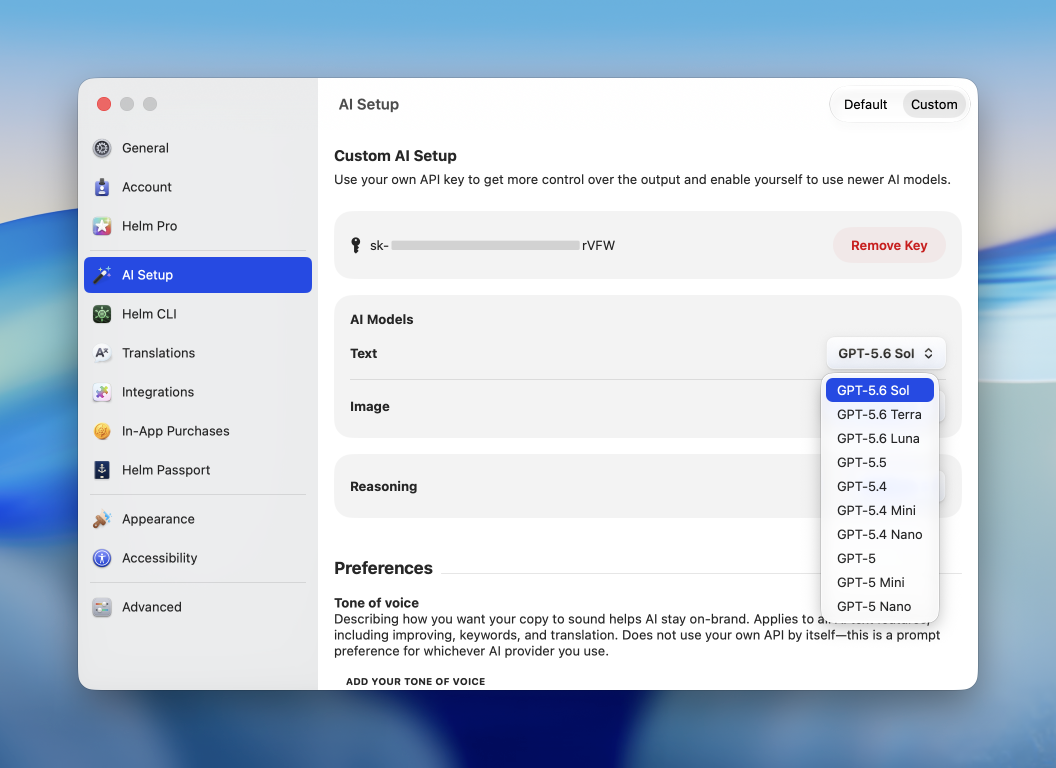
If you use your own OpenAI key, Helm now supports the new GPT-5.6 models: Sol, Terra, and Luna. Pick the tier that fits the job, whether you want maximum quality for trickier copy, a balanced everyday option, or something lighter for higher-volume work.
Social media age rating declaration
Apple recently updated the age rating declaration with new questions about social media capabilities, ahead of Time Allowances shipping later this year. Helm now supports this social media age rating declaration, so you can review and answer those questions without leaving the app.
Responses become required for new apps and updates starting in September 2026, so this is a good moment to get ahead of it.
Other things we shipped on macOS
- Translation verification and better error handling for the requested language, so translations do not land in the wrong language.
- Start date requirements for in-app purchases and subscriptions.
- Settings-related bug fixes, including duplicate Settings menu items.
- Copying the redeem URL from the offer code cell now includes the correct App ID.
- Uploading an attachment no longer wipes unsaved changes to review notes.
- visionOS and tvOS only apps now show their icons in the app selector views.
- Fixed a bug where uploading images to an In-App Purchase or Subscription would not show.
