
Helm Shortcuts & App Intents
Check submission status, copy TestFlight links, and open any app in Helm without digging through menus. Built for Mac with App Intents.
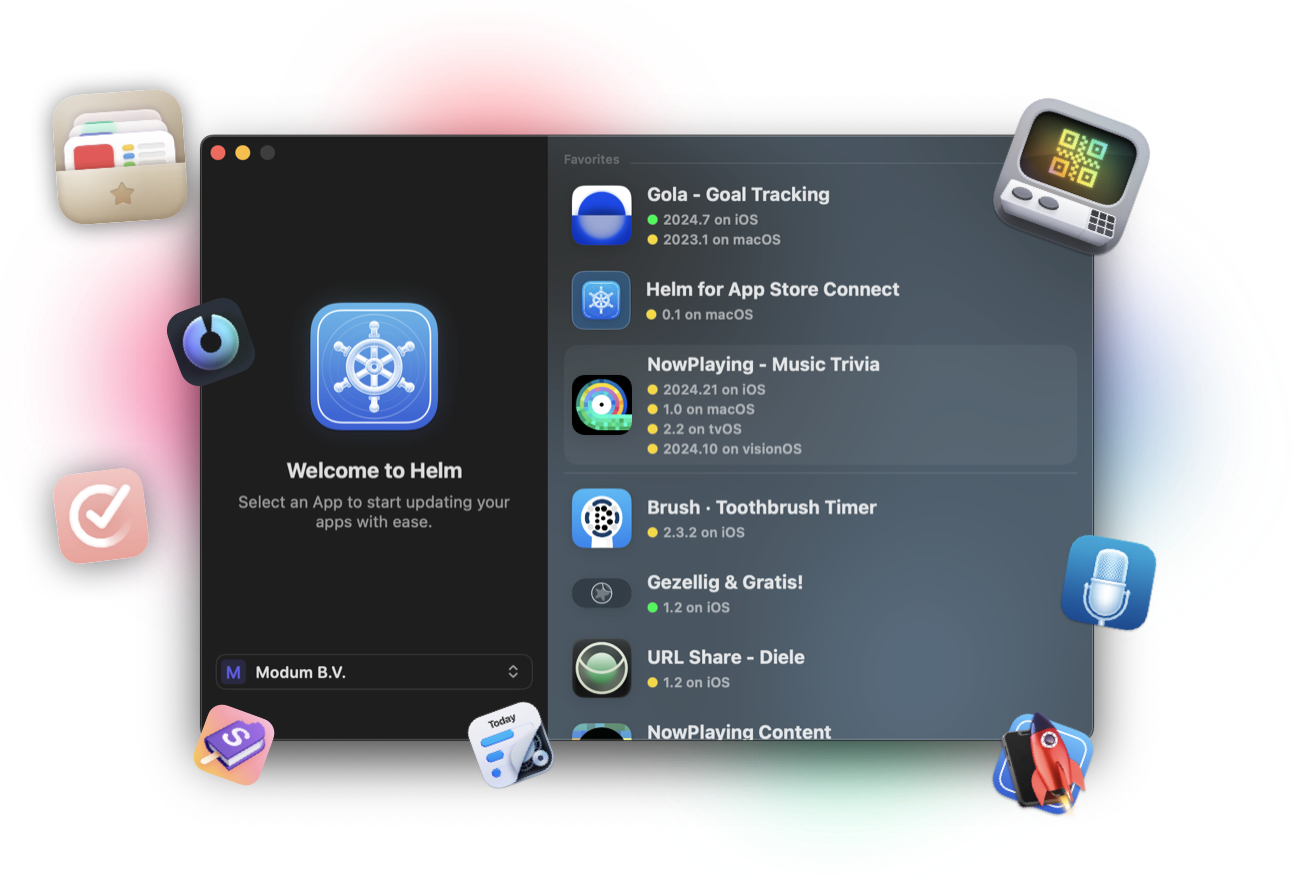
Keyboard-first App Store Connect
Helm exposes App Intents so Shortcuts, Spotlight, and Quick Keys can reach the actions you repeat all day. Stay in flow while a build is processing or a version waits in review.
These shortcuts complement the menu bar and multi-window workflow on macOS. See menu bar and Shortcuts for the broader desktop setup.
What you can run
The current App Intents focus on the moments where switching windows costs you time.
- Request submission status for an app version
- Copy a TestFlight public link for a group
- Open any of your apps directly in Helm
- Copy the App Store link for an app
How to use them
1. Install Helm on Mac and sign in with your App Store Connect API key or setup file.
2. Open the Shortcuts app and search for Helm actions, or invoke them from Spotlight / Quick Keys where available.
3. Pick the app (and group, when needed) as inputs.
4. Pin the ones you use most into a Shortcuts folder or assign a keyboard trigger.
Status checks are especially useful while you wait on App Review or Beta App Review without keeping Helm frontmost.
Pair with release day habits
Combine Shortcuts with a solid launch checklist and submit for review workflow. The intents handle the quick lookups; Helm's UI is still the best place to review metadata, screenshots, and submission details before you hit submit.
FAQ
Are Shortcuts available on iPhone?
App Intents for these actions are a macOS feature today. On iPhone, use the Helm iOS app, widgets, and notifications for on-the-go App Store Connect work.
Do I need Helm Pro for Shortcuts?
Shortcuts and App Intents are part of the Mac app experience. Pro unlocks other capabilities like the CLI and higher usage limits, but checking status and copying links does not require a separate Shortcuts subscription.
Can an agent call these Intents?
For automation and agents, prefer the helm-asc CLI. Shortcuts are ideal for human keyboard workflows; the CLI is built for scripts and coding agents.
