
Localize your App Store listing for Japanese.
Japanese (ja) rewards listings that feel careful and polite, not literally translated. Character density, honorific tone, and how the name and subtitle read together all matter. This page covers what to localize, Japan-specific tips, and how Helm helps you ship a storefront that fits.
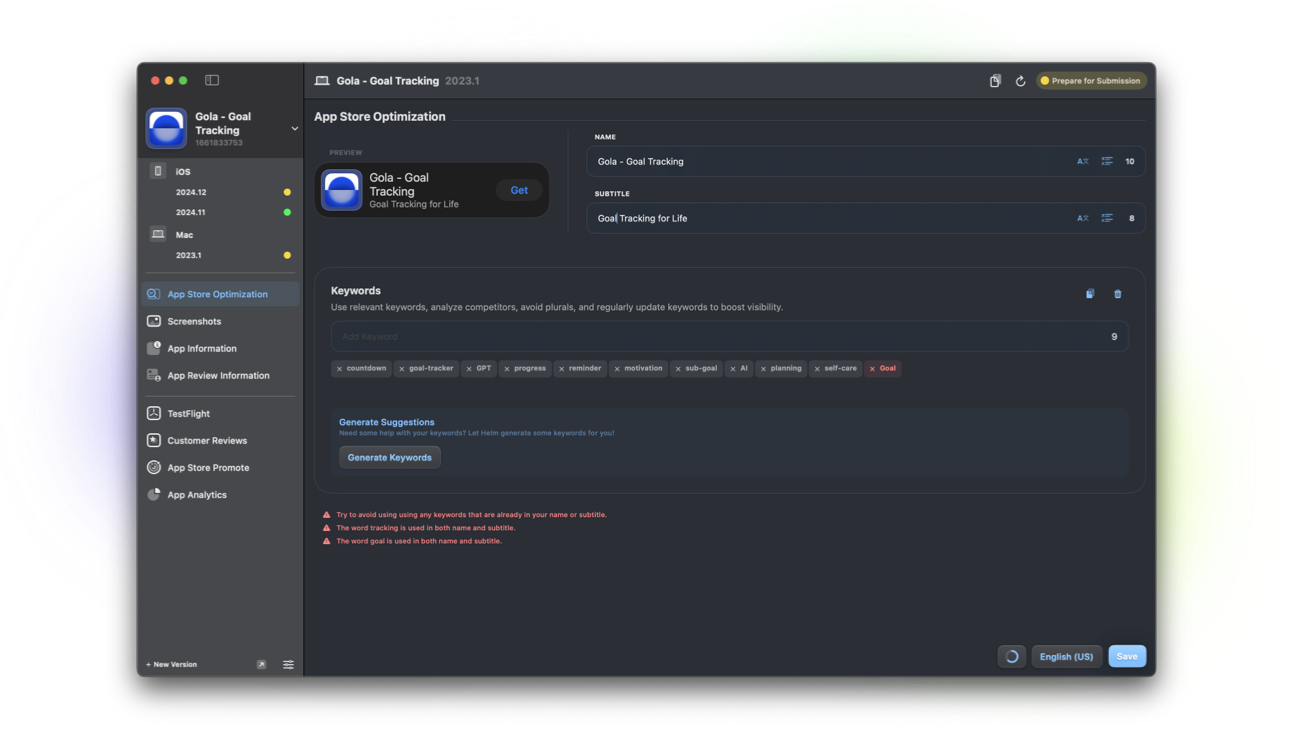
What to localize for Japanese
Japanese shoppers notice unfinished English fields quickly. Plan a full pass, not a partial machine dump.
- App name and subtitle (length feels denser; preview truncation)
- Keywords tuned to Japanese search phrasing
- Description with polite, scannable structure
- What’s New written for updating customers
- Screenshot captions when text appears on creative
Character density and length feel
Kanji, hiragana, and katakana pack meaning differently than Latin scripts. A subtitle that fits in English can feel cramped or oddly sparse in Japanese even when the character count looks fine.
Read the name and subtitle aloud as one unit. Japanese listings often put category clarity in the subtitle while the name stays brand-forward.
Polite tone that still converts
App Store Japanese tends toward polite, calm language. Hard-sell exclamation stacks and slang rarely help. Prefer clear benefits, short sentences, and respectful phrasing.
Katakana loanwords are common for tech features, but overusing them can feel lazy. Mix familiar loanwords with natural Japanese where it reads cleaner.
Name, subtitle, and keyword craft
Keep the brand readable. If you add a Japanese descriptor, make sure it still fits beside the icon in search results. For keywords, think in phrases people type, including common English loanwords when that is how the category is searched.
Helm helps you translate, skip protected words, verify language on-device, and preview before you submit. It does not auto-research Japanese search volumes. You choose the terms; Helm helps you ship them cleanly.
How Helm helps
AI localization on Pro drafts Japanese metadata with skip words for brand names. Empty-only translation protects locales you already tuned by hand.
On-device language verification and listing preview catch wrong-language slips and subtitle overflow early. Pair with localize your listing and translate metadata.
FAQ
Should my Japanese app name stay in English?
Many brands keep the English name and localize the subtitle and description. If you add Japanese to the name, preview search results so it still scans next to the icon.
How polite should Japanese App Store copy be?
Aim for calm and respectful. Avoid aggressive sales language. Clear benefits and tidy What’s New notes usually outperform hype.
Can Helm preview my Japanese listing?
Yes. Use Helm’s product page preview while you edit so you see how name, subtitle, and creatives read together before you submit.
