
Localize your App Store listing for Spanish.
Spanish is not one market. Spain (es-ES) and Latin America share a language with real vocabulary and tone differences. This page covers what to localize, Spain vs LatAm guidance, keyword tips, and how Helm helps you ship listings that feel local.
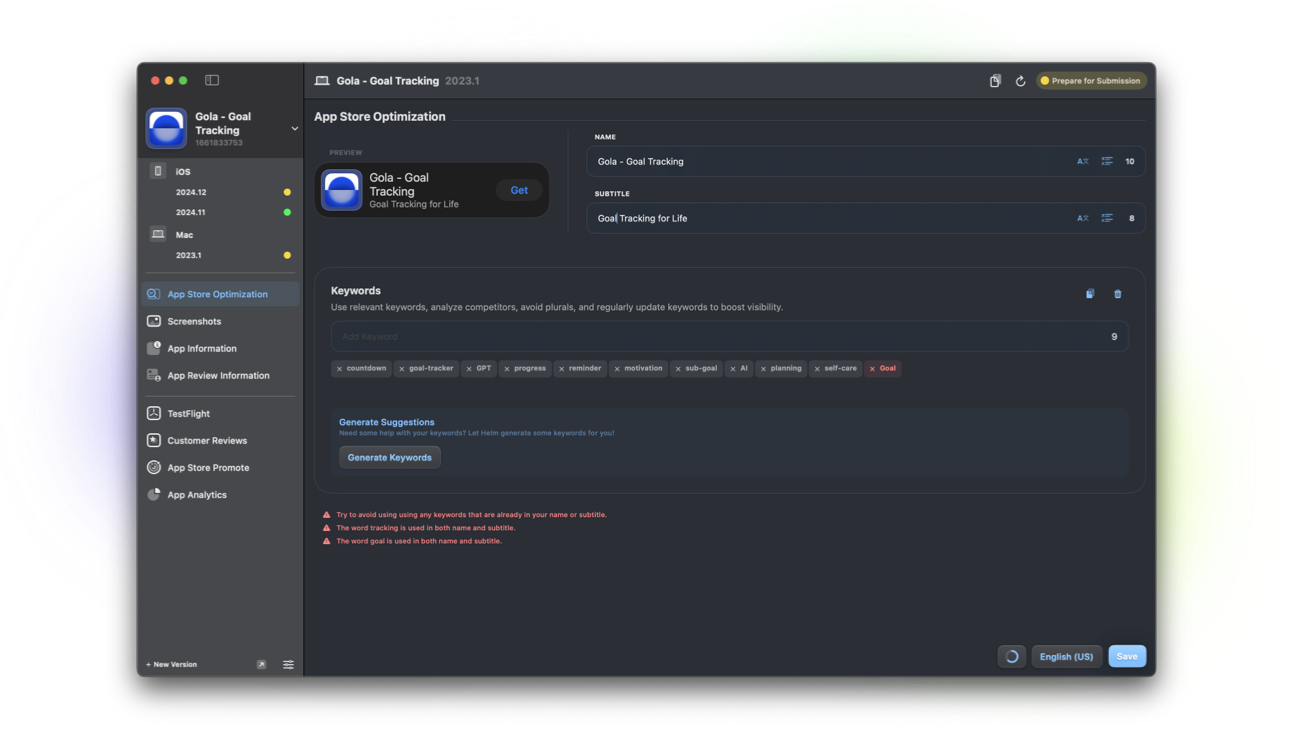
What to localize for Spanish
Decide which Spanish locale you are shipping first, then complete every field for that storefront.
- Name and subtitle tuned to that market’s search language
- Keywords for how people search in Spain or your LatAm priority
- Description and promotional text in a consistent regional voice
- What’s New that matches the same variety of Spanish
- Screenshot captions when creative includes text
Spain (es-ES) vs Latin America
es-ES is the locale for Spain. Vocabulary, formal address habits, and some feature words differ from Mexico and broader LatAm Spanish. A listing written only for Spain can feel foreign in Mexico City, and the reverse is also true.
If you can only maintain one Spanish locale at first, pick the storefront where you already have users or plan acquisition. Document the choice so future translators do not silently mix varieties.
Tone and everyday phrasing
Spanish App Store copy usually sounds clear and direct. Avoid literal English calques that no one says out loud. Prefer verbs people use for the job your app does: organize, save, edit, track, learn.
For Mexico and much of LatAm, ustedes and warmer everyday phrasing often feel more natural than Spain-specific forms. For Spain, align with local norms and keep the voice consistent across fields.
Keyword tips for Spanish markets
Build the keyword field from local search language, not a translated English list. Category terms, problem phrases, and common synonyms matter more than stuffing every dialect variant into 100 characters.
Do not waste space on words already in your name or subtitle. Helm helps you fit and ship the field; it does not auto-research volumes for Spain vs Mexico. Bring market insight, then use Helm to keep locales clean.
How Helm helps
AI localization on Pro drafts Spanish metadata with skip words and empty-only options. Verify language on-device, preview the listing, then refine the markets that matter most.
See localize your App Store listing and translate app metadata for the repeatable workflow.
FAQ
Is one Spanish localization enough?
It can be a starting point. Choose Spain or a LatAm priority based on where you ship and grow first, then add or adapt locales when those markets become important enough to maintain.
Should I mix Spain and Mexico vocabulary?
No. Pick a primary variety per locale and stay consistent. Mixed vocabulary reads like nobody owned the pass.
Can Helm manage multiple Spanish locales?
Yes. Edit each localization separately, translate with skip words on Pro, and preview before you submit so every storefront stays intentional.
