App Store tags
App Store tags are labels Apple associates with apps to help shoppers explore related experiences. They sit alongside your name, subtitle, and keywords as part of how your app shows up in discovery. Helm lets you find and manage tags from your store listing workflow.
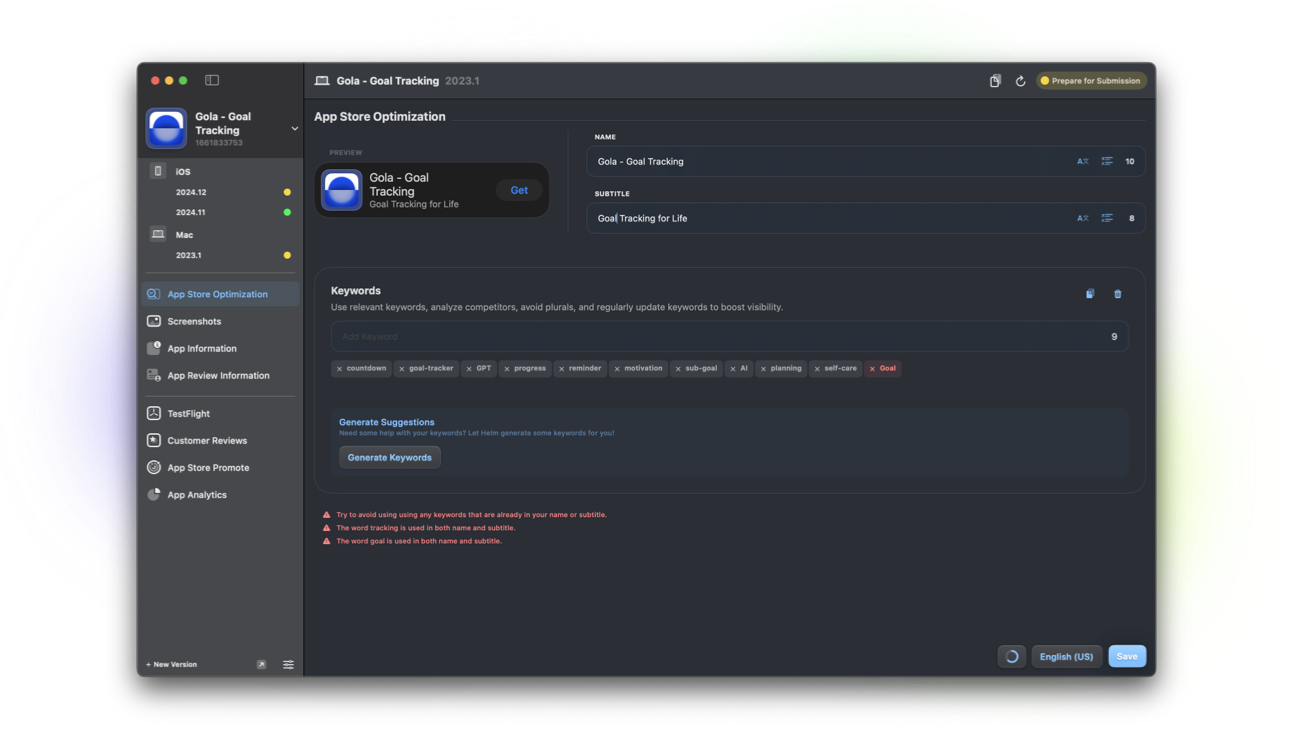
What App Store tags are
Tags are App Store labels you can apply so your app appears in relevant tag-based browsing and recommendations where Apple surfaces them. They complement, not replace, your keyword field and category.
Choose tags that match what the app actually does. Mismatched tags create poor installs and weak retention signals.
Why it matters when you ship
Tags are another discovery lever next to ASO basics. Ignoring them means leaving a structured Apple surface unused.
When you reposition the product, revisit tags the same week you refresh subtitle and screenshots so the story stays aligned.
How Helm helps
Helm can manage App Store tags in store listing on Mac and iPhone, and through helm-asc when you automate listing updates.
Edit tags beside name, subtitle, and keywords, then preview how the listing reads before you submit.
Good tagging habits
Prefer specific, honest tags over every vaguely related label. Review tags after major feature launches.
Keep localization and creative in sync so a tagged theme also appears in screenshots and subtitle.
FAQ
Are App Store tags the same as keywords?
No. Keywords are a 100-character field you define for search indexing. Tags are Apple’s label system for related browsing. You typically use both.
Can Helm manage App Store tags?
Yes. Find and manage tags from Helm’s ASO and store listing tools on Mac and iPhone, and via the Helm CLI.
Do tags replace a good subtitle?
No. Subtitle, keywords, screenshots, and tags each play a part. Tags do not fix a vague product page.
